 Yipjoy
Color in full 3D
Pick a color, tap every cube wearing that number, and rotate the model to reach the cubes hidden on the sides and back.

Color, build, imagine
A world you can build, one cube at a time.
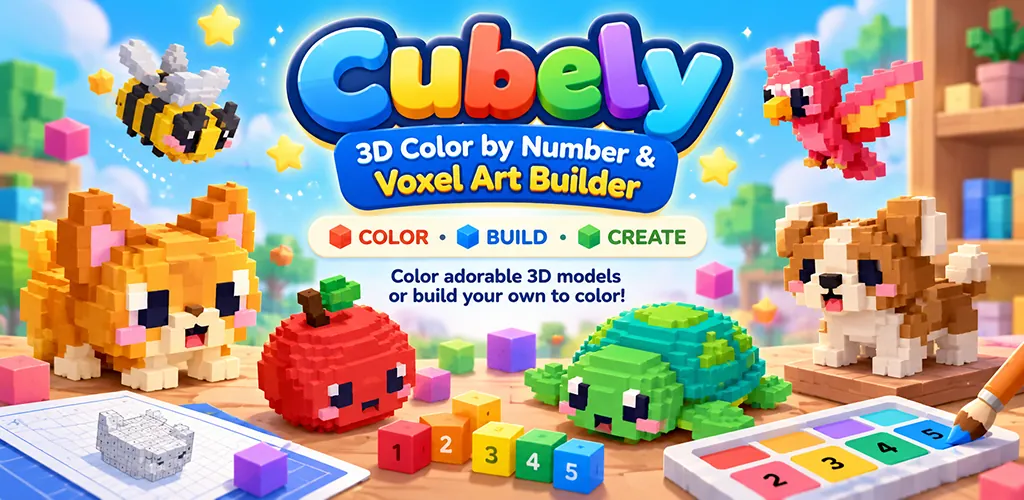
Fill a 3D model cube by cube until a grey model turns into a fox, a rocket or a lighthouse. Then open a blank grid and build something nobody has made before.
Free to play, with optional in-app purchases. Android.
Inside the game
Pick a color, tap every cube wearing that number, and rotate the model to reach the cubes hidden on the sides and back.
Start from an empty grid, place cubes, undo mistakes and name your creation. Then color it like any of the included models.
A fresh build idea each day, for when you want to make something but have no idea what.
No timer, no score and no lives. Play for ten minutes or spread a huge model over several sessions, and every model saves exactly where you left it.
Take a closer look


The long version
Every model is built out of tiny voxel cubes. A few hundred for the quick ones, more than 3,000 for the biggest. Each cube wears a number. You pick a color from the numbered palette, tap the cubes carrying that number, and rotate the model to reach the sides and back you cannot see yet. A grey voxel model slowly turns into a fox, a rocket, a dinosaur, a lighthouse, a cupcake or a guitar.
That is the whole game. No timer, no score, no lives. It scratches the same itch as a pixel art coloring book, except this one you can turn over in your hands.
146 models, spread across 14 themes.
The smallest models are a few hundred cubes and make a quick session. The biggest have more than 3,000, and they are not a single-sitting job. Every model is rated Easy, Medium or Hard from its real cube count rather than a guess, so filtering to Easy genuinely gets you something quick.
Progress saves separately for every model, so you can leave a half-finished whale sitting there for a week and pick it back up exactly where you were.
Cubely is not only a coloring game. Start from an empty grid and build something cube by cube. Place cubes, undo mistakes, give it a name, then color it in just like one of the included designs. Your builds live in My Creations, with their own thumbnails and coloring progress.
There is a new build prompt every day if you want somewhere to start. Some days you can ignore it.
You earn coins by completing models and other activities, and can spend them on optional power-ups when you want to color faster.
Every model can still be finished without them, because a coloring app that makes you grind is missing the point.
Put some music on, pick a model, and watch it come to life cube by cube.
Good to know
Yes. Cubely is free to download and play, with optional in-app purchases.
Neither. Cubely works completely offline and never asks for an account, a sign-in or any personal information. Progress is saved on the device.
Android phones and tablets running Android 5.1 or later, including Fire tablets. It is available through the Amazon Appstore.
There is nothing to lose, no timer and no score, which suits younger players. Tapping several thousand cubes takes patience, so the smaller Easy models are the place to start.


